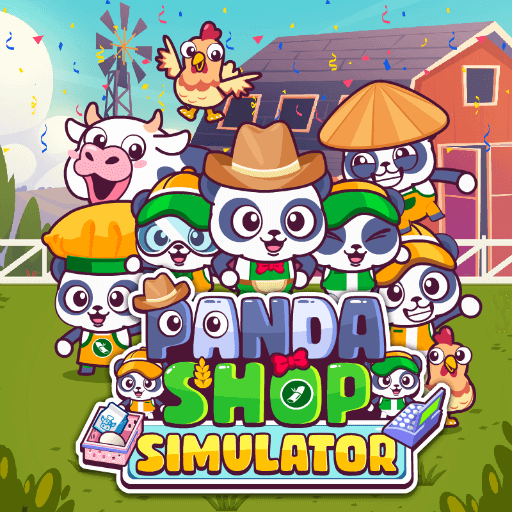
In the straightforward management and construction game Panda Shop Simulator, you are in charge of a supermarket that is owned by a charming panda. The game has cute panda characters and a fun, family-friendly design that blends resource management and fast-paced retail management.
How to Play Panda Shop Simulator
To rearrange items on the shelf, move your panda throughout the store. Get payment from pleased clients. Invest in upgrades to make your store better. Employ helpers to assist with customer service or product organization. Develop your business into a major supermarket from a tiny local store.
You may add extra aisles, fresh goods, and better equipment to your store as you make money. Your store will draw more people if it is more efficient!
Tips for Playing Panda Shop Simulator Like a Pro
- Improve your inventory: You can service consumers more effectively without having to run back and forth between locations if you can store or stock more items at once.
- Hire helpers as soon as possible: They can assist with things like paying customers or stocking stores. Your income will rise dramatically if you hire even one employee early.
- Always keep shelves supplied: Try to avoid making consumers wait a long time. Because empty shelves result in lost revenue, always restock critical goods as quickly as feasible.
- Finding a balance between automation and manual labor: While assistants are fantastic, initially, saving money for bigger expansions can be achieved by doing some activities yourself.
- Gradually grow your store: As you establish a consistent income, open up new aisles. More clients will visit a larger store if you can meet the demand.
Controls:
Using WASD, ARROW KEY, or MOUSE.
If you want to try hunting the Dinosaur, play Dinosaur Hunting Dino Attack 3D game now!!!