A golf cart is meant to crawl around on the grass, but in Golf Cars simulator it’s a vessel for crazy jumps and surprise drifts. Rather of simply aiming to get the ball into the hole like in typical golf games, you are free to drive, challenge yourself against obstacles and discover each car’s potential.
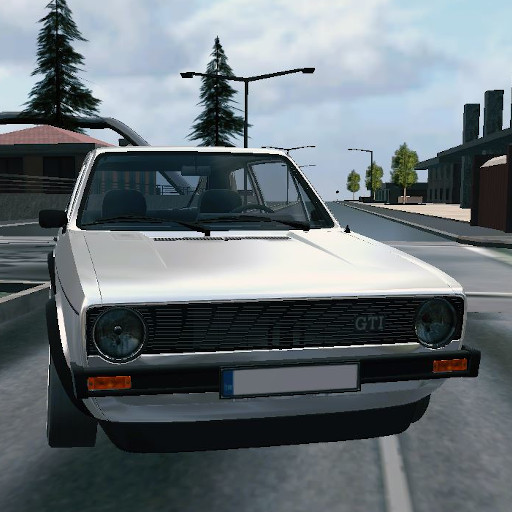
Golf Cars Simulator has three game modes, so you may choose the control style that suits your tastes. If you want to get acquainted with the car, the best spot to verify your speed and steering skills is the test drive mode. When you are ready, you can start taking on assignments that need special skills or join freestyle races.
The centerpiece is the performance area with lots of ramps, jump platforms, and moving platforms. These parts demand players to blend turning, acceleration and braking. There are various customisable automobile models in the game as well, offering diversity to each encounter.
Learning to steer and land
- WASD or arrow keys: speed and direction control.
- Space: Set the parking brake.
- F: Enable Nitro.
- C: Change camera view.
- P: Return the automobile to its original place.
- Esc: Bring up pause menu.
Don't slam on the throttle pedal immediately away. Increase speed gradually to get a feel for how the automobile responds, particularly when you get to narrow stretches of road. Use the parking brake to regulate the direction of the slide instead of consistently steering before steep corners.
As you come to a slope, get the automobile on line before you accelerate. Beautiful jump is not just about speed, but the angle of landing. If your car flips or is stuck, you can use the P key to retry.
Golf Cars Simulator is for individuals who are fans of free driving, stunts and car dynamics. The game is not about beating your opponents to the finish line but trying out different driving methods on the same track.
Don't miss the chance to enjoy the Sniper Simulator game!